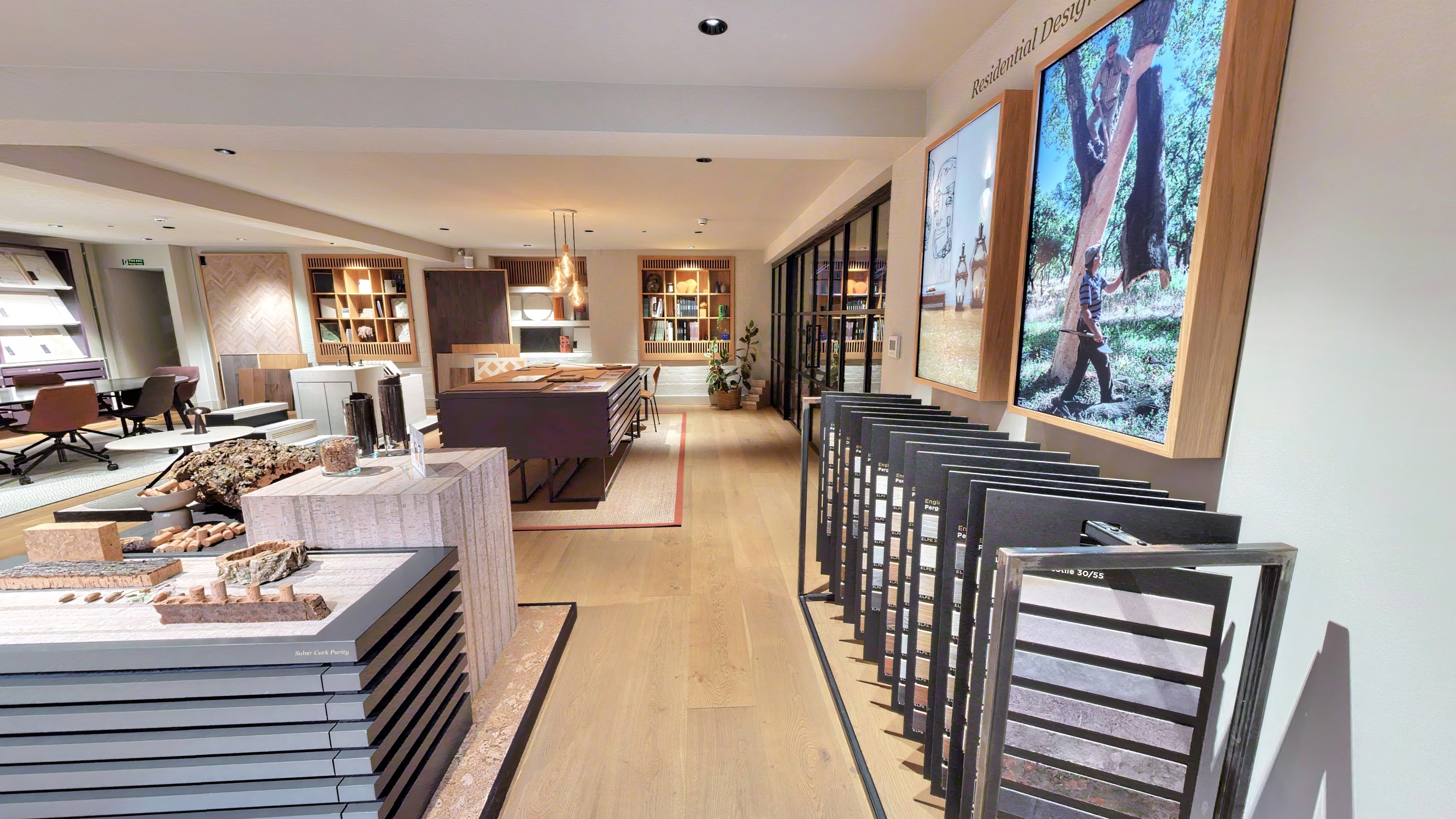
Most clients know they want a virtual tour on their website. The question that comes up after delivery is: where exactly does it go, and what else can we do with it? The answer matters because a tour that is buried three clicks deep on an obscure page of your site will generate a fraction of the engagement of one placed in the right position at the right point in the decision journey.
Quick takeaways
- Embedding is a single iframe paste — no plugins or technical setup required on any major website platform
- The tour link works anywhere — email, social media, directory listings, sales decks — not just your website
- Google Business Profile is the highest-leverage non-website placement for most local businesses
How to embed the tour on your website
When See3D delivers your tour, you receive an embed code alongside your tour link. The embed code is an HTML <iframe> element that loads the tour directly on any web page.
To add it to your site, navigate to the page where you want the tour to appear, switch to the HTML or code editor view (most website platforms have a "Custom HTML" or "Embed Code" block), and paste the iframe code. The tour will render at the width of its container and at the height you specify in the code — we recommend a minimum of 500px height for desktop and 400px for mobile.
This works on all major platforms including WordPress, Squarespace, Wix, Webflow, Shopify, and custom-built sites. No plugins are required. If your website is managed by a developer or agency, forward them the embed code — the implementation takes less than five minutes.
Where to place the tour on your website
The most important placement is the decision page — the page where a prospect converts. For a hotel, that's the room booking page. For a restaurant, the "Book a Table" page. For an estate agent, the individual property listing page. For a co-working space, the "Book a Tour" or "Membership" page.
The tour should be visible without scrolling on desktop, or reached within one scroll. Placing it below a long block of text means most visitors won't see it. A labelled tab or an expand button ("Explore the Space") works well for pages where the tour would otherwise dominate the layout.
Secondary placements worth adding:
- Home page: for businesses where the space is a core part of the proposition — venues, hotels, luxury showrooms — a tour embed or a prominent tour link on the home page reduces bounce rate and increases session duration
- About or "Our Space" page: for co-working spaces, fitness studios, and care homes, an "Our Space" page anchored by the virtual tour gives prospective members or residents a first encounter with the environment
- Events or private hire page: embedding the tour on an events enquiry page removes the viewing appointment step for many prospective hirers
Five channels beyond your website
1. Google Business Profile — the highest-leverage placement for local businesses. Once the tour link is added to your GBP listing, it appears within Google Maps and Knowledge Panel results for anyone searching your business by name or category. Users can access the tour directly from a Google search result without visiting your website.
2. Sales enquiry responses — include the tour link in the first email response to any inbound enquiry about your space. For venues, hotels, and coworking spaces, this pre-answers layout and atmosphere questions before the first call. It moves the conversation to dates, pricing, and specifics — not "can we come and have a look?"
3. Directory and platform listings — many booking and directory platforms accept virtual tour embeds: Hire Space, SquareMeal, Rightmove commercial, Zoopla, and sector-specific platforms in hospitality and events. Check each platform's listing editor for an "Add virtual tour" field or an iframe embed option.
4. Email marketing and newsletters — email clients don't support iframe embeds, but a hyperlinked thumbnail image ("Explore our space →") linking to the tour URL works well in campaigns. Use a screenshot of the tour entrance as the thumbnail. This performs strongly in re-engagement campaigns and seasonal promotions.
5. Social media and bio links — a tour link in a bio (Instagram, TikTok, LinkedIn company page) gives followers a way to explore your space from a social context. For posts, sharing the tour link directly or as a Story link works well when tied to a relevant message — a new room opening, a seasonal menu launch, a refurbishment reveal.
One link, many placements
The tour link is permanent. It doesn't expire, doesn't require a login to view, and works on any device. Once you have it, you can add it to every channel listed above without any additional production cost. Most clients who get the most from their tour are the ones who treat the link as a core asset — not something that goes on the website and nowhere else.
See3D provides hosting, the embed code, and the tour link as part of the standard delivery. No recurring fees mean the tour continues to work for as long as you need it. Get in touch to discuss your project and we'll advise on the best embed strategy for your specific use case.